











WhatsApp logo for WhatsApp integration

Transform customer connections with WhatsApp for Business

Graphic of mobile conversation on WhatsApp for business Graphic of mobile conversation on WhatsApp for business
Line art with london bus

In today’s competitive market, using WhatsApp for Business is essential to stand out. Over five million businesses – from small startups to large enterprises – use WhatsApp Business, and more than 1.5 billion users globally engage with businesses through WhatsApp Business API.

Customers prefer WhatsApp for its ease and convenience, with 65% of users agreeing that it helps build and nurture personal connections between brands and consumers.

Get inspired! See how different industries maximise WhatsApp for Business

Organisations of all sizes can benefit from WhatsApp’s vast user base and cost-effective communication channel. Here are just a few examples of how different industries are successfully using WhatsApp:

Converse with education students using WhatsApp for business

Education

Engaging with students, answering enquiries about courses, offering accommodation support.

Discussions with financial advisers through WhatsApp integration

Finance

Manage account enquiries, provide real-time updates on financial transactions, deliver tailored advice.

Entertainers using WhatsApp for business

Entertainment

Promote events, manage ticket sales, give venue advice (parking, transport), share event times.

Request information red heading underline

Request information about your industry from the web chat experts

Trusted by 1000's of companies

UK Power Networks logo Hillary Blinds logo Honeywell logo HPI logo One Call Insurance logo
gradient background behind WhatsApp illustration

Effortless WhatsApp integration with Click4Assistance

With 20 years of experience in live chat communication in the UK, Click4Assistance integrates multiple communication channels into a single platform, including WhatsApp, Facebook Messenger, and SMS text messaging. Our solution is designed to streamline inbound communication, allowing agents to manage all interactions efficiently.
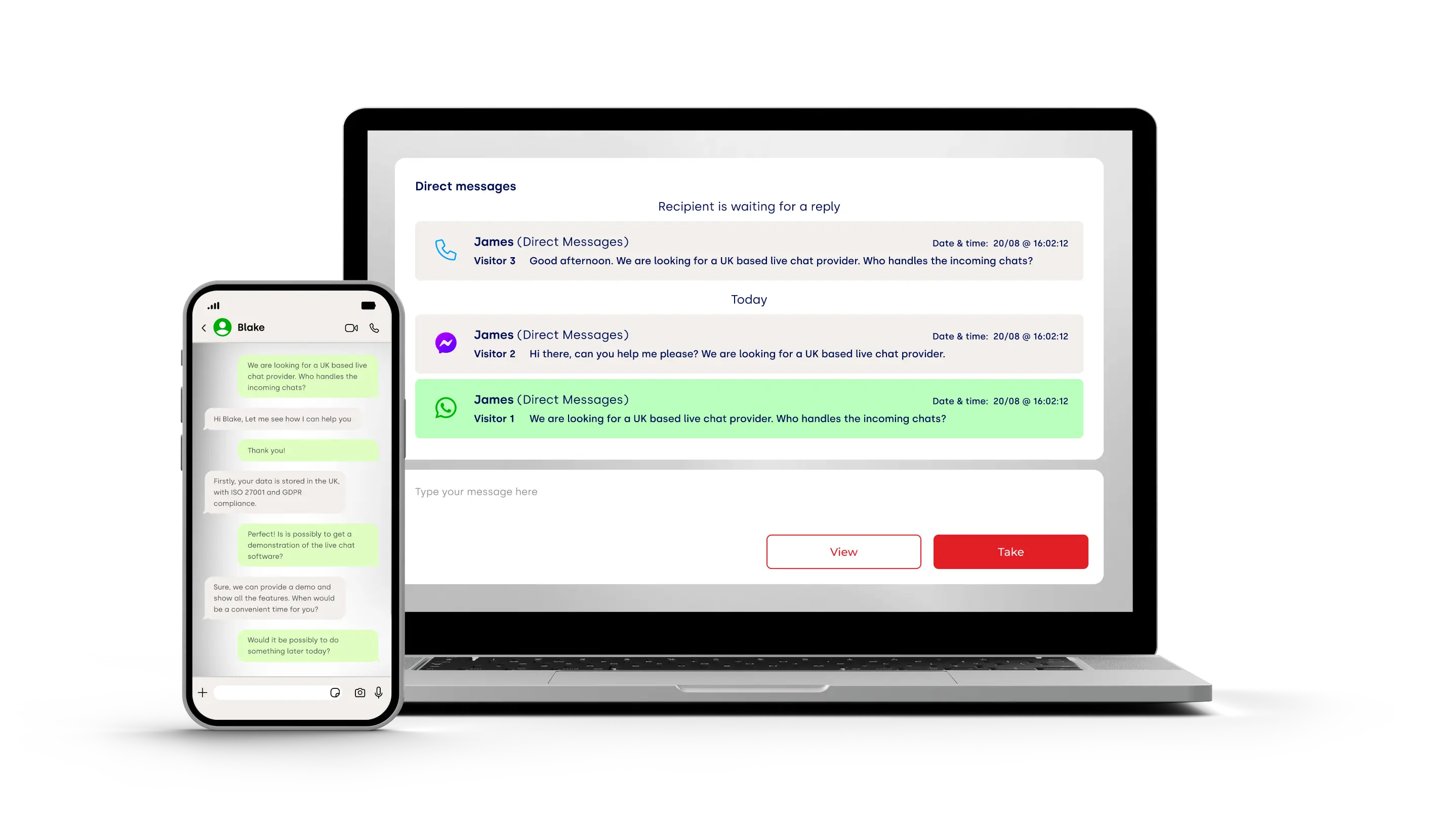

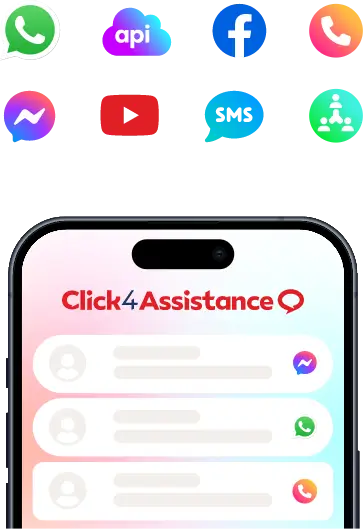
Laptop and mobile graphic showing WhatsApp integration with Click4Assistance
Hexagon background line art depicting big ben

Key features of Click4Assistance’s WhatsApp integration

Automatic routing with whatsapp integration for business

Automatically route enquiries to the appropriate department

Categorise whatsapp for business sessions

Categorise chats, add internal notes and track references

Predefined replies being used in whatsapp integration

Use pre-set answers to speed up response times

Share documents and files in whatsapp integration

Share images, videos and documents seamlessly

Read receipts for WhatsApp integration

Track message status with read receipts

Brand your business in WhatsApp integration

Display your business name and logo on users’ devices for brand consistency

Remain compliant: Use WhatsApp pre-approved templates

In line with WhatsApp policies, templates are required to initiate conversations about marketing, utility, and authentication. Unlike free-form messages, template messages are the only type of message that can be sent to customers who have yet to message you or who have not messaged you in the last 24 hours. Click4Assistance allows you to create your own message templates and submit them for approval in a few simple steps.

Four template types are available
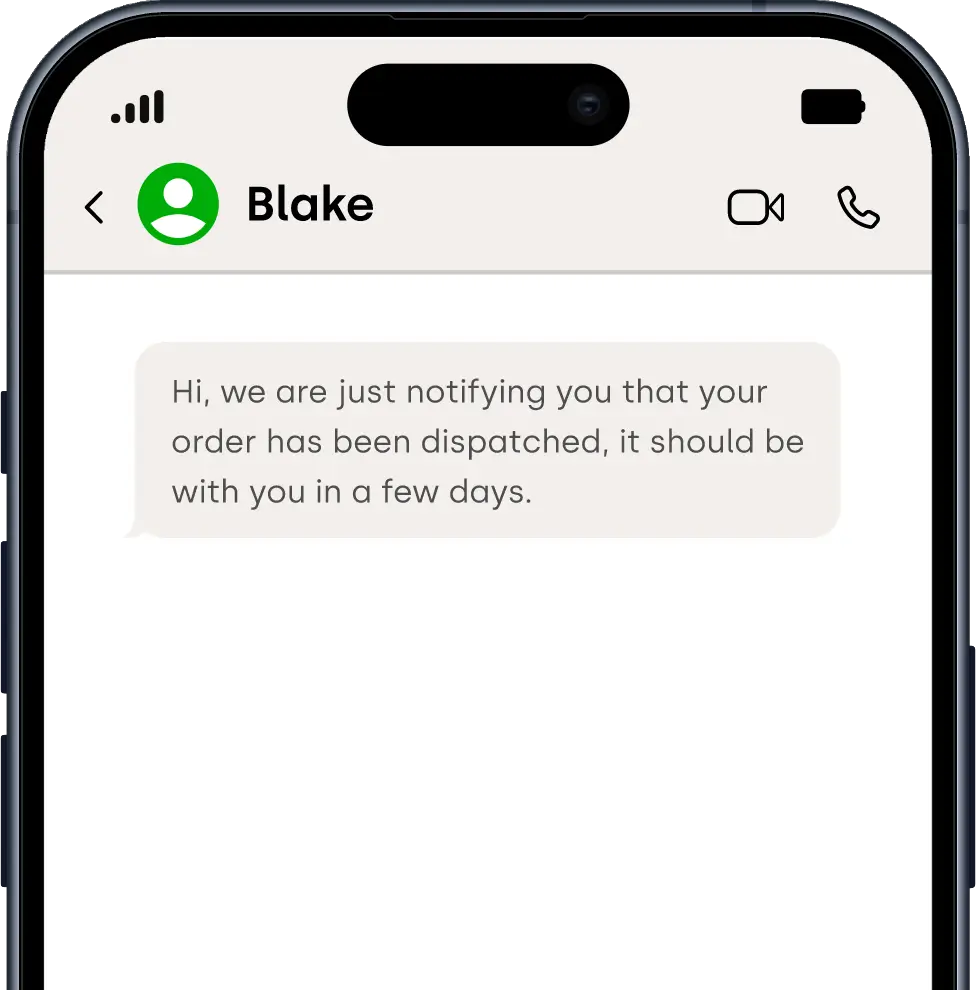
WhatsApp conversation on mobile

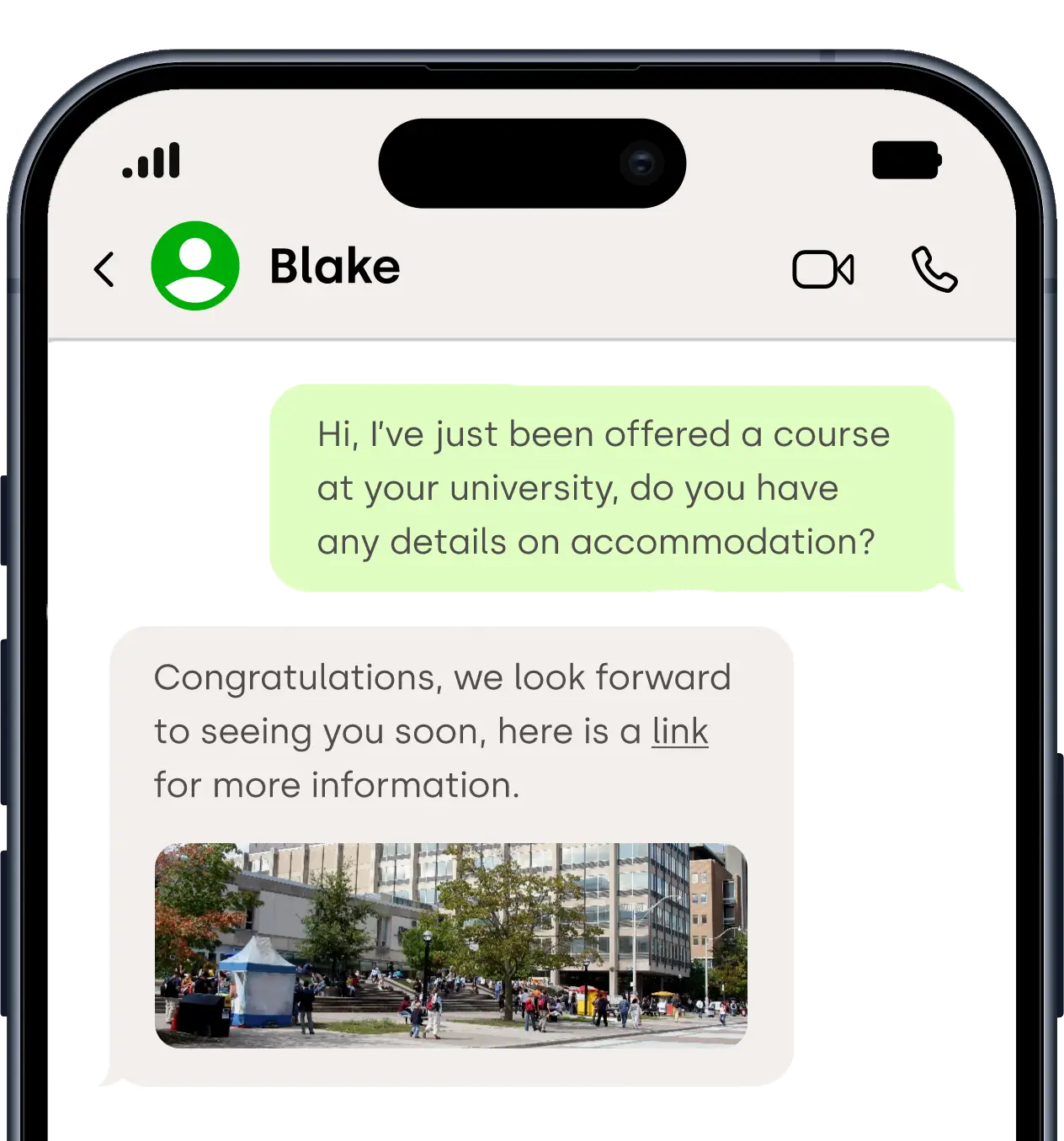
Simple text message

A basic text message template that can be sent via WhatsApp, SMS, and MMS.
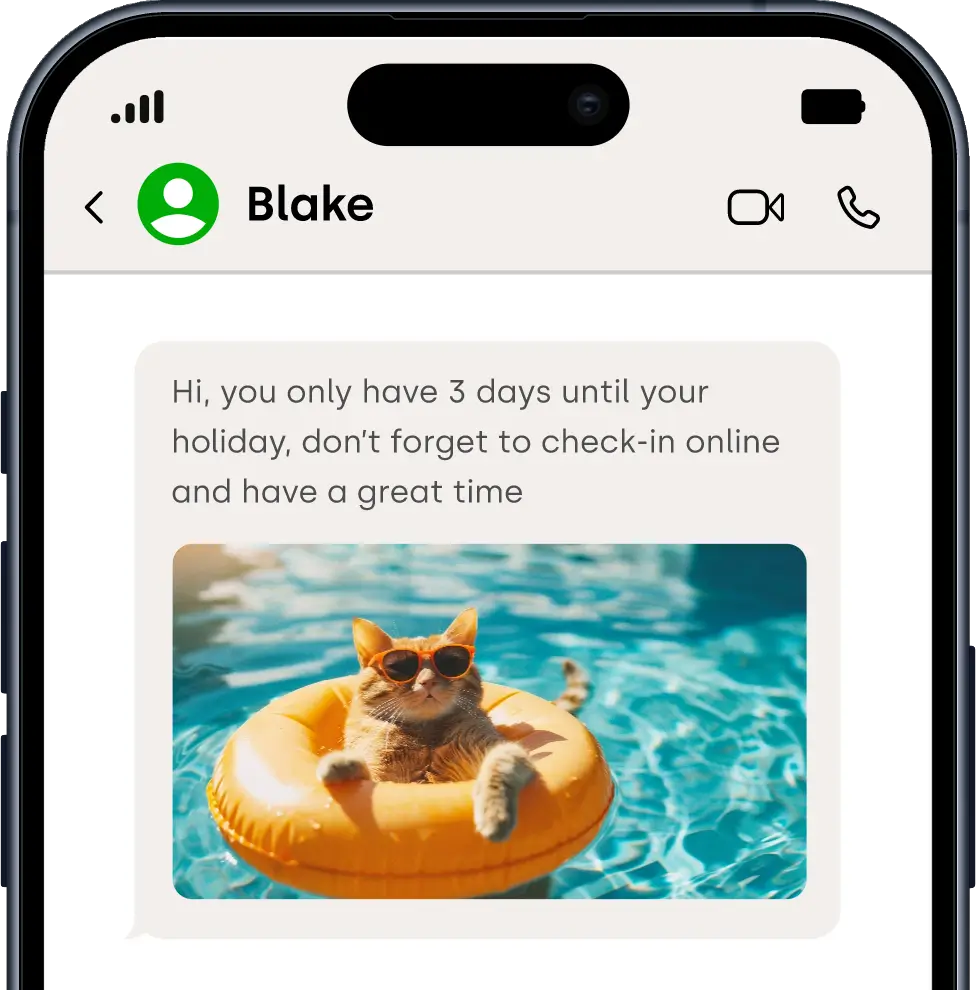
WhatsApp conversation on mobile

Media Message

Send text with media like images, videos, documents, or audio via WhatsApp and MMS.
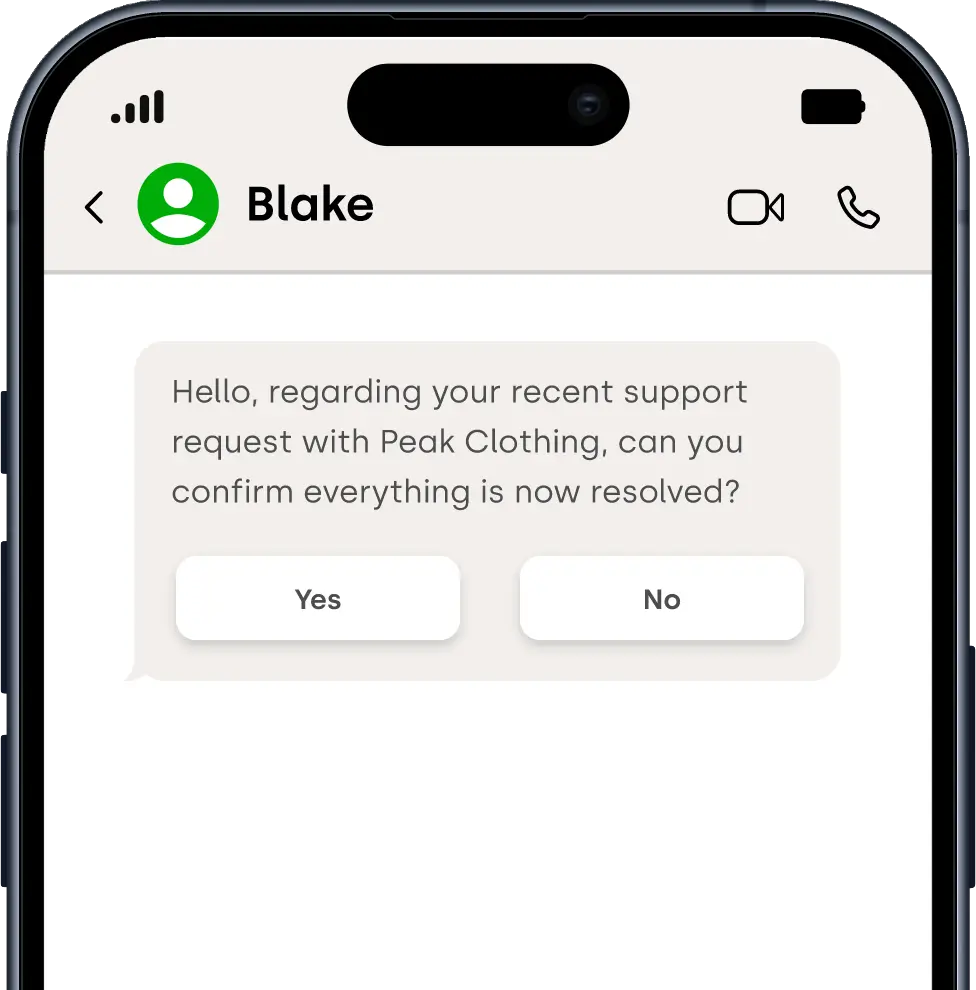
WhatsApp conversation on mobile

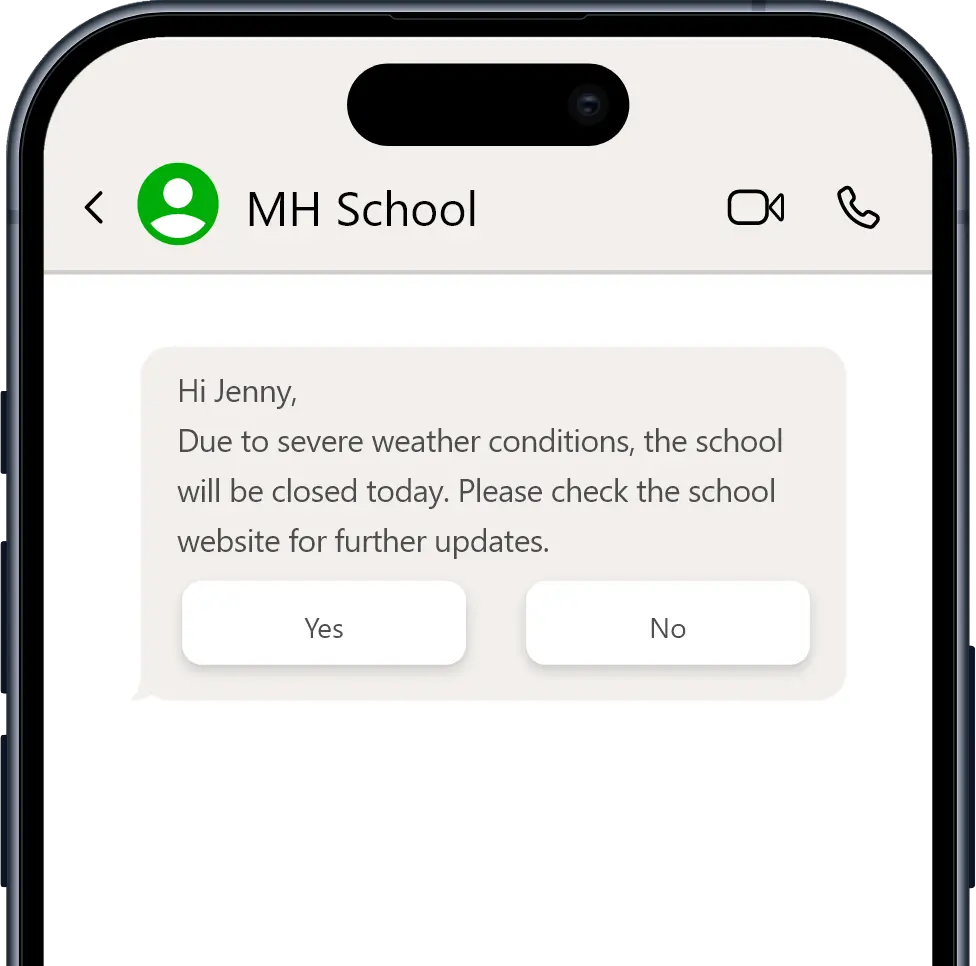
Quick Reply Message

Offer customisable quick reply buttons for customer interactions, available on WhatsApp and MMS.
WhatsApp conversation on mobile

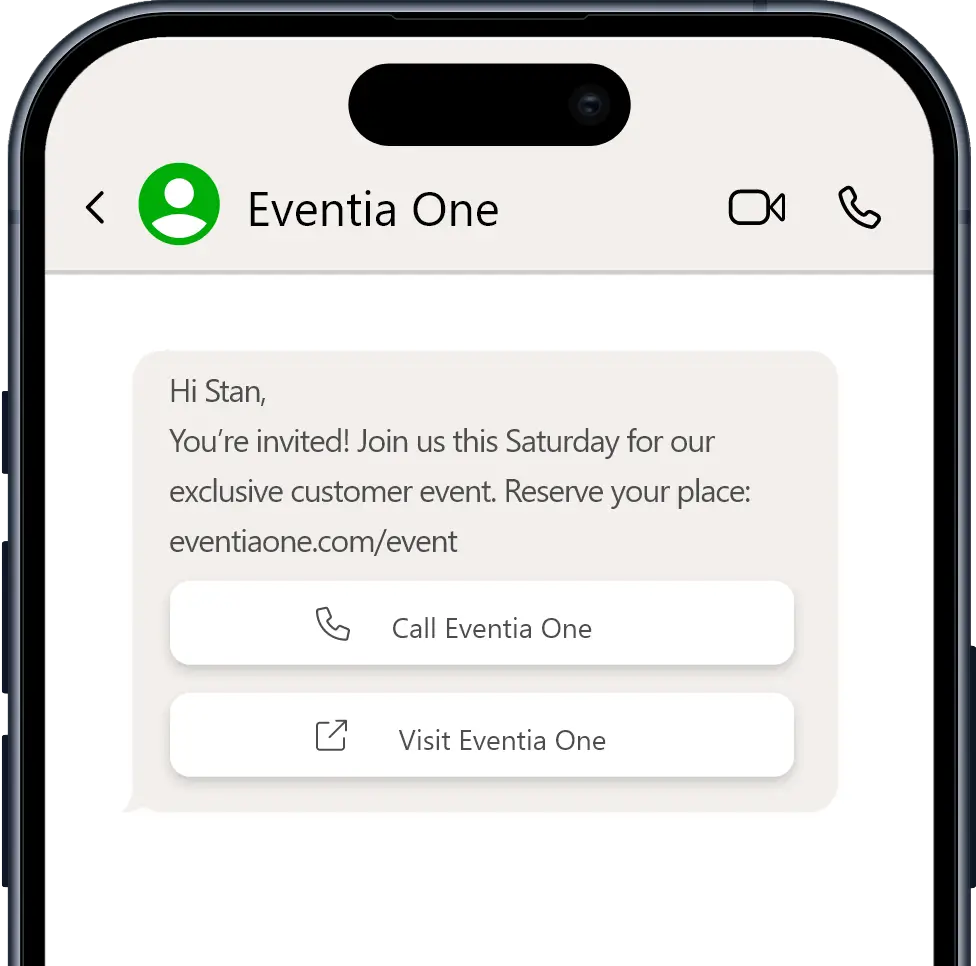
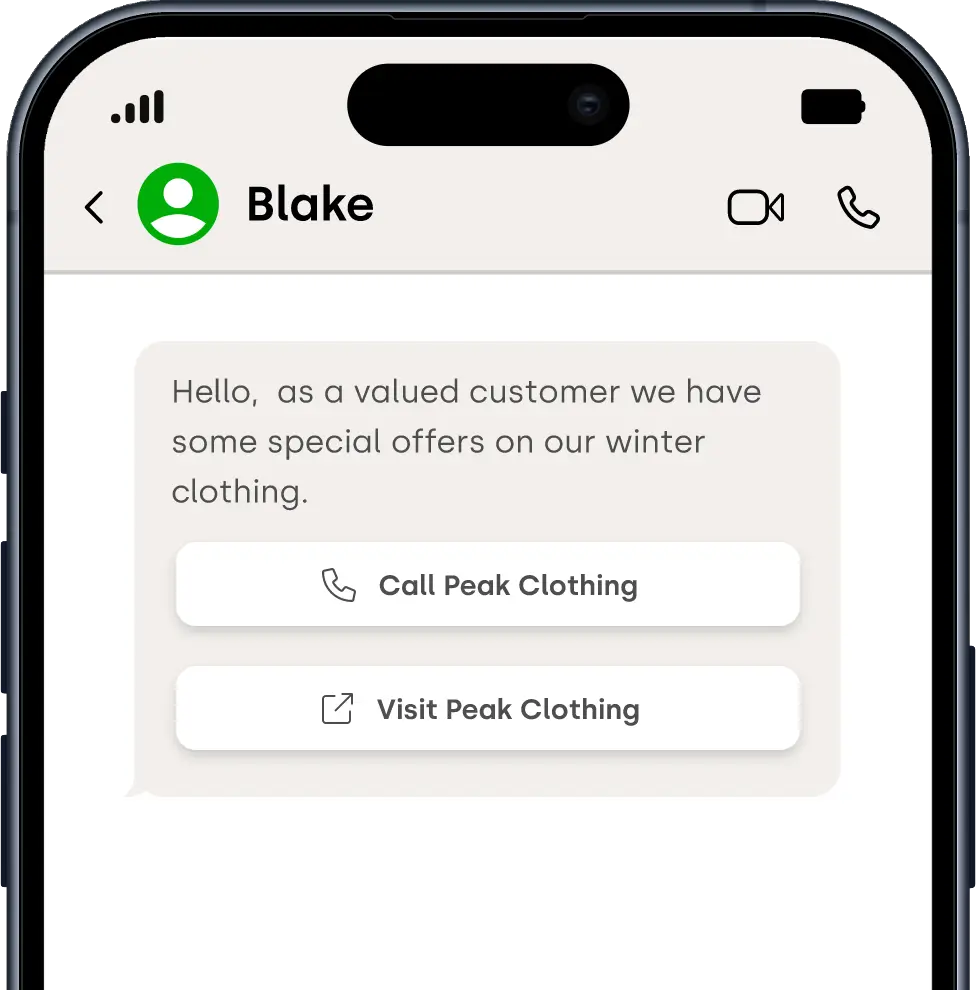
Call to Action Message

Include a button linking to a website or a “Call Me” option, allowing instant engagement through WhatsApp and MMS.

WhatsApp conversation on mobile

Simple text message

A basic text message template that can be sent via WhatsApp, SMS, and MMS.

WhatsApp conversation on mobile

Media Message

Send text with media like images, videos, documents, or audio via WhatsApp and MMS.

WhatsApp conversation on mobile

Quick Reply Message

Offer customisable quick reply buttons for customer interactions, available on WhatsApp and MMS.

WhatsApp conversation on mobile

Call to Action Message

Include a button linking to a website or a “Call Me” option, allowing instant engagement through WhatsApp and MMS.

Broadcasting icon

Broadcast WhatsApp campaigns instantly or schedule them for the perfect moment

Upload your contact lists, select a message template, and broadcast WhatsApp alerts, promotions, or notifications to thousands of recipients in seconds, all from one secure platform.

Reach customers directly on their mobile phones with reliable WhatsApp messaging. Our platform allows marketing teams and enterprise organisations to send targeted personalised broadcasts, automate campaigns, and manage communication at scale with full delivery visibility.

Example of WhatsApp messages used by marketing and communication teams.

Marketing promotions and offers
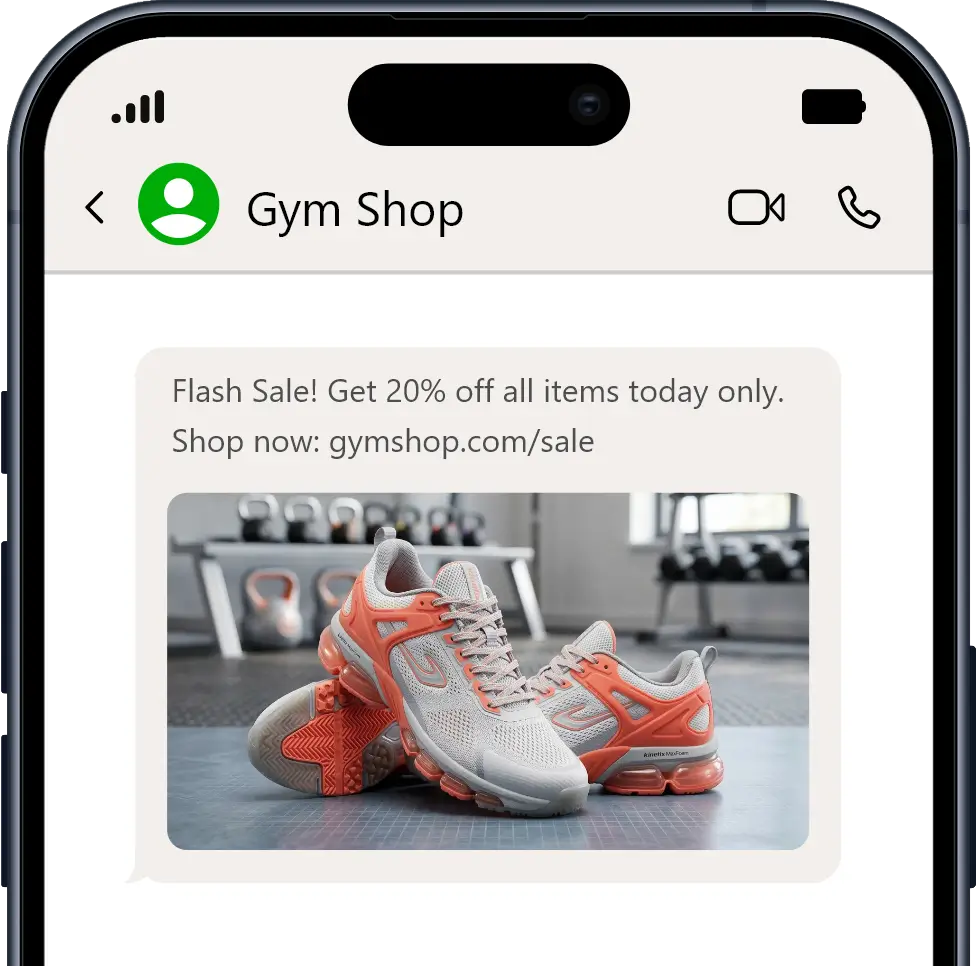
Phone graphic displaying a WhatsApp promo conversation

Quick Reply Message

Phone graphic displaying a WhatsApp quick reply message

Call to Action Message

Phone graphic displaying a WhatsApp call to action message

Send WhatsApp campaigns in just a few simple steps

1. Create your audience

Create multiple audiences by uploading your contact list or simply copy & pasting.

Include details such as name, account number, dynamic URLs to personalise each message.
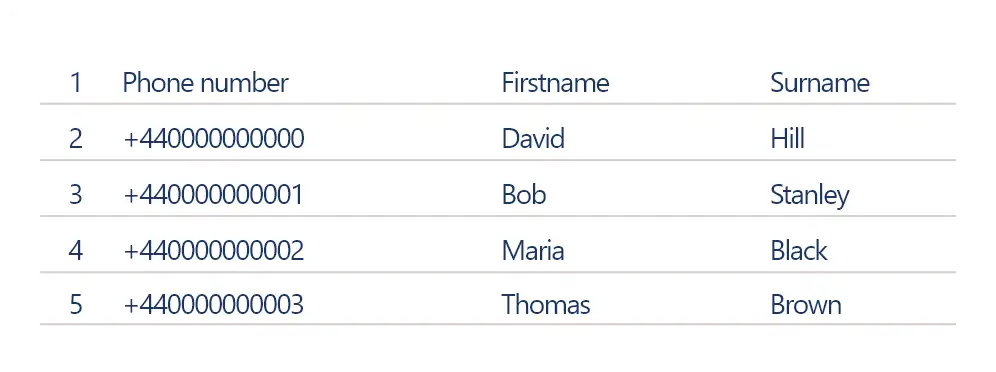
Table of contacts

2. Create your campaign

Select a message template, choose when you want your WhatsApp broadcast to be sent, and schedule your campaign for instant or timed delivery.
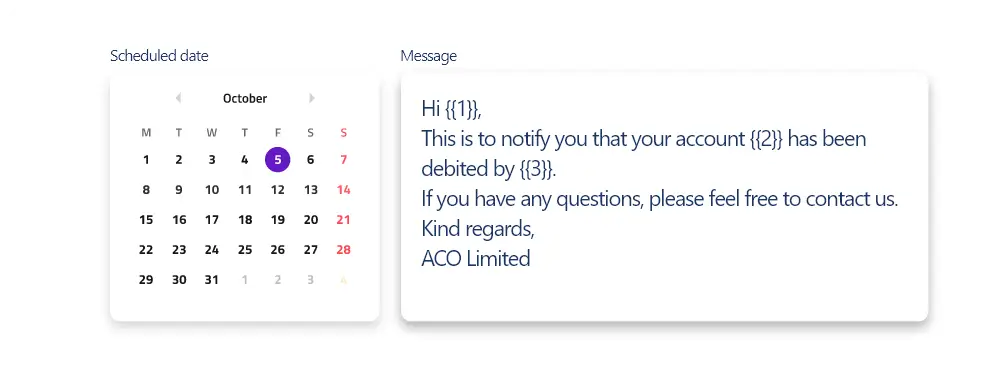
Automated message scheduler calendar interface showing message template and calendar
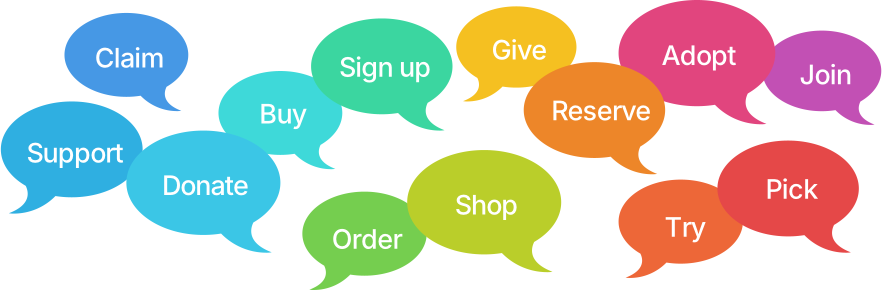
Call to action words in coloured speech bubbles Broadcasting icon

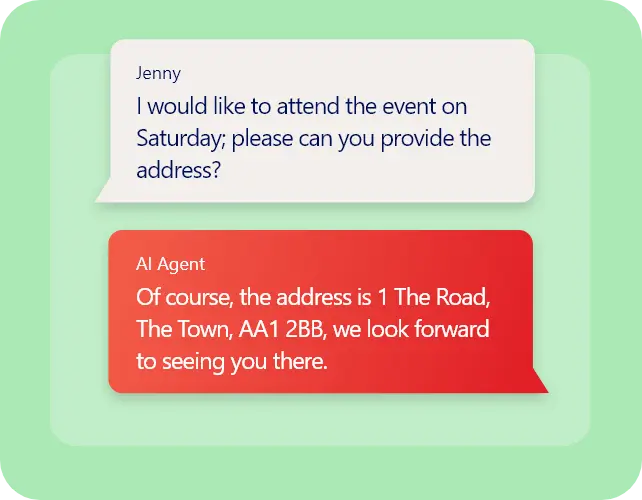
Use AI Automation or human agents to respond

Chat interface on a green background shows a conversation. Jenny asks for an event address; AI Agent provides it cheerfully. Dialogue in blue and red speech bubbles.

Respond

Use AI or human agents to manage responses to your WhatsApp broadcasts.

Man working on a laptop having a WhatsApp conversation with Arti, the AI agent
Monitor reports for WhatsApp sessions, with messages sent, delivered and failed

Monitor

Track messages sent, delivered, failed and read in real time.

Request information

red heading underline

Request information about message broadcasting

Flower shaped graphic
Click4Assistance large chat icon graphic Line behind book a demo panel

As easy as 1-2-3: how to implement WhatsApp integration

Getting started with Click4Assistance’s WhatsApp integration is easy for both new and existing customers:

1st step for omnichannel whatsapp integration

For new customers, create a C4A Account (we offer a 21 day no obligation trial)

Start trial 2nd step for omnichannel whatsapp integration

Our dedicated UK support team will assist with onboarding and confirm your WhatsApp number, business name, and logo.

3rd step for omnichannel whatsapp integration

Once we’ve confirmed your WhatsApp number is active, you can use WhatsApp directly within your Click4Assistance dashboard to enhance your customer communication.

Start making impactful connections with Click4Assistance’s WhatsApp for Business integration – a powerful, versatile solution for streamlining and enhancing customer interactions.


line art

Book a Demo red heading underline

Our experts can offer advice and consultation. Book a free, no obligation online demonstration, providing a personalised walkthrough of the web chat software.

View one of our other Omni integrations

WhatsApp logo for WhatsApp integration API logo for for WhatsApp integration Facebook logo for WhatsApp integration Click2Call logo for for WhatsApp integration Messenger logo for for WhatsApp integration Youtube logo for WhatsApp integration SMS logo for for WhatsApp integration Meeting Room logo for WhatsApp integration
Omni Channels