












Best Live Chat Software for Boosting Customer Service
In a marketplace where customer expectations are rising, speed and quality of support can make or break a business. Customers want responses that are fast, helpful, and convenient. Live chat has become an essential tool to meet those expectations.
In this guide, we compare the best live chat software for customer service and explain what features matter most when choosing the right platform for your business.
Why Live Chat Is Critical in Customer Service
Let’s start by understanding what live chat contributes to customer service:
- Immediate responses — Live chat reduces waiting time and often resolves issues faster than email.
- Increased customer satisfaction & loyalty — Rapid, helpful interaction leaves a strong impression.
- Improved conversion and sales — When customers are unsure, chat can guide them, answer questions, and reduce friction in the buying process.
- Cost efficiency — Agents can handle multiple chats in parallel; less overhead than phone-only support.
- Proactive engagement — Tools can invite users to chat if they linger or seem stuck, improving the likelihood of keeping them on your site.
- Valuable analytics — You can track metrics like response time, resolution rate, chat abandonment, CSAT, etc., which inform continuous improvements.
Because of these benefits, investing in the best live chat software for customer service is about more than just having a chat widget: it’s about choosing a platform that supports your service goals, protects data, integrates well, and scales as you grow.
What to Look for in the Best Live Chat Software
Here are the features and qualities you should evaluate when selecting the best live chat software for customer service:
1. Multichannel / Omni channel Support
Customers might prefer website chat, WhatsApp, Facebook Messenger, SMS, etc. Having a system that consolidates these helps.
2. Customisation & Branding
The chat window/look and feel should be brandable: colours, logo, messages, positioning. It should blend, not feel like a foreign widget.
3. Routing & Intelligent Assignment
Directing chats to the right agent, department, or escalation path based on topic, previous history or language.
4. Automations & Chatbots
Basic automation for FAQs, intelligent bots to triage or answer common queries, freeing up human agents for more complex issues.
5. Real time Monitoring & Proactive Features
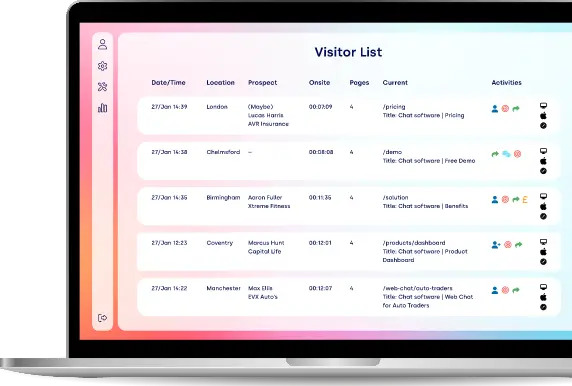
Visitor tracking, seeing what pages users are on, triggering proactive chat invites, etc.
6. Agent Tools
Canned responses/snippets, ability to transfer files/screenshots, co browsing / screen sharing etc.
7. CRM / Helpdesk & Other Integrations
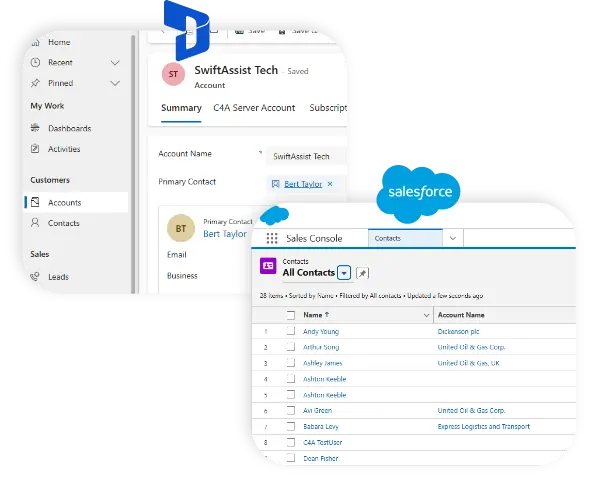
Ensuring the chat solution works with your existing stack: CRM, ticket systems, analytics, etc.
8. Mobile & Agent Apps
Agents need to be able to respond quickly, on desktop or mobile. Also, the chat widget must work smoothly on mobile for visitors.
9. Security & Compliance
GDPR, encryption, secure data storage, audit trails, etc. Especially important for regulated industries.
10. Reporting & Analytics
Insights into how fast you respond, how many chats, satisfaction, drop off, etc.
11. Scalability & Pricing Flexibility
The platform should grow with you — supporting more agents, more concurrent chats, advanced features, etc. Pricing should be clear and not balloon unexpectedly.
Why Click4Assistance is a Strong Live Chat Option
Here is how Click4Assistance stacks up against the typical checklist, and what makes it a strong contender for the best live chat software for customer service.
What It Offers
- Customisation & Branding: You can fully customise chat windows, buttons, pre chat forms etc., to align with your branding.
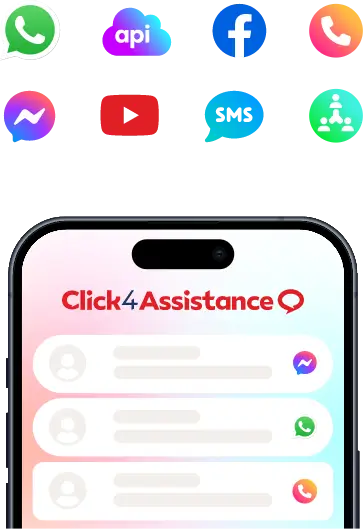
- Omni Channel Features: Supports not just web chat but also WhatsApp, Facebook Messenger, SMS, Video Chat, Meeting Rooms, Click2Call.
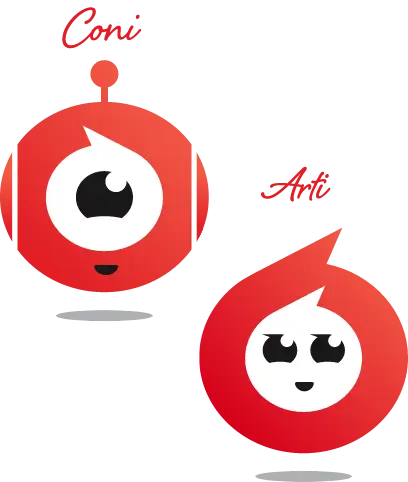
- Automations & Chatbots: Has “Coni” (a drag and drop conversational chatbot builder) and “Arti” (an AI Agent powered by ChatGPT) to handle common queries, escalate to humans, etc.
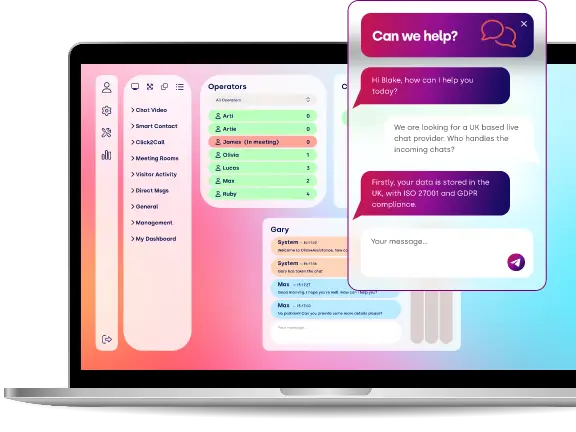
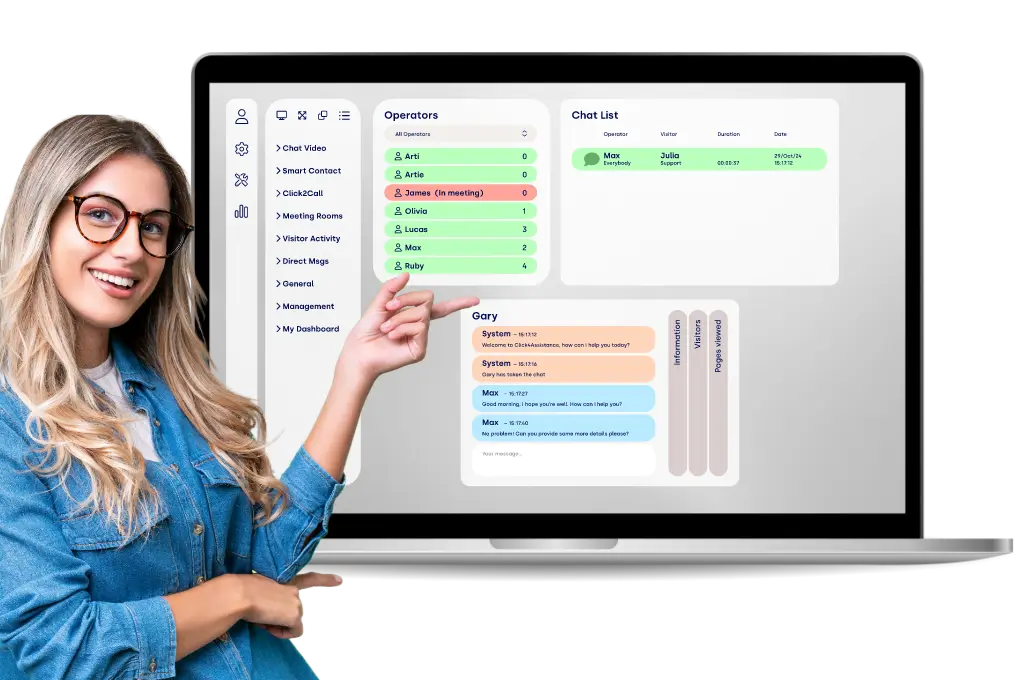
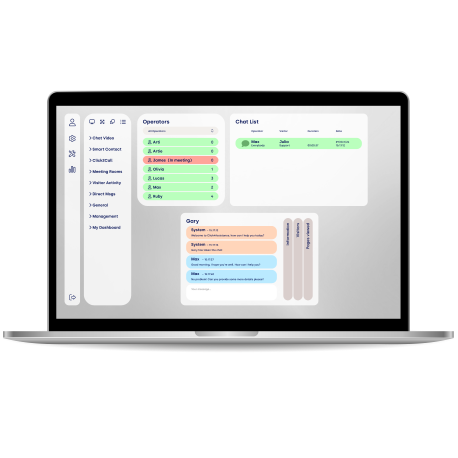
- Dashboard & Agent Tools: Agents get a dashboard designed with long experience; tools include predefined replies, file transfer, ability to invite other agents into chats, co browse/screen sharing, visitor tracking.
- Reporting & Analytics: More than 60 custom reports, real time monitoring, visitor insights, performance metrics.
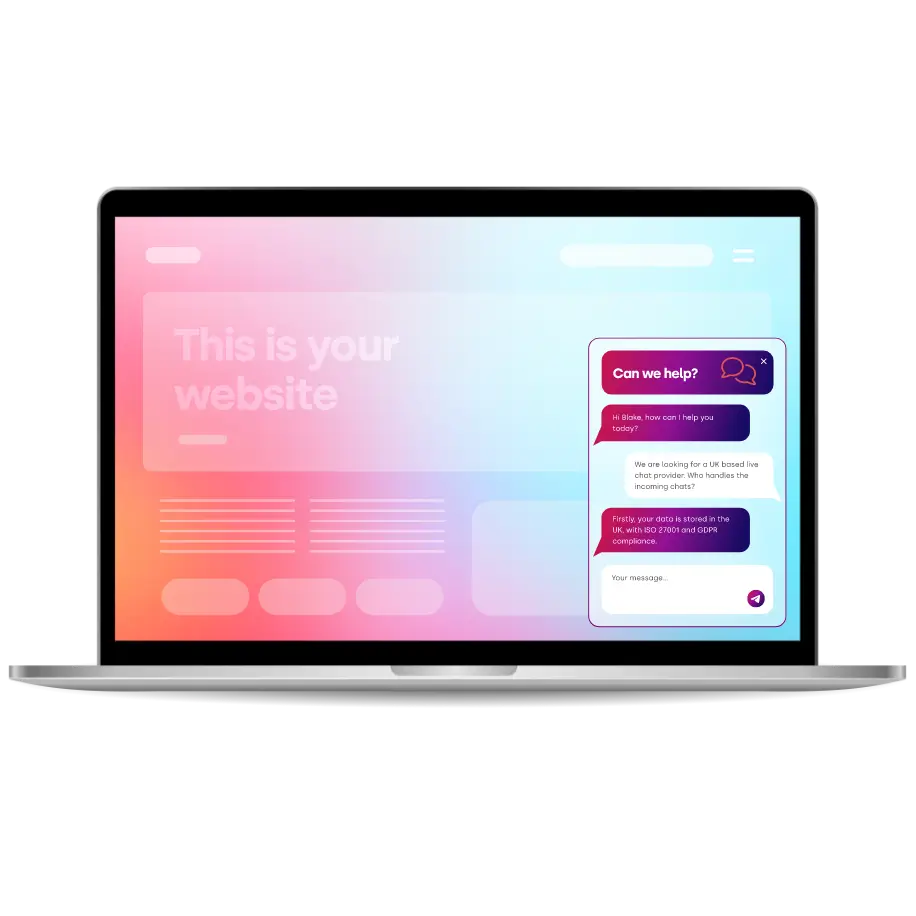
- Security & Compliance: UK based, GDPR compliant; ISO27001 accreditation; secure data centres.
- Scalability / Pricing Tiers: Multiple packages (Lite, Professional, Enterprise) with varying features (branding, multiple websites, number of users etc.) so businesses of different sizes can choose.
Strengths Compared to Other Platforms
- Strong UK presence & support, which helps for businesses that need local support or are concerned with data jurisdiction.
- Very good customization and ability to mould the look & behaviour of chat to brand, which not all platforms allow.
- The combination of video chat, meeting rooms, and modalities like Click2Call is relatively rich.
- The chatbot / AI capabilities are up to date, especially with addition of a ChatGPT powered agent.
Agent Software That Makes Live Chat Easy
Our intuitive dashboard helps agents handle multiple chats, view visitor insights and boost productivity, all designed to make support faster, easier and more personal.
How to Choose Your Best Live Chat Software for Customer Service
Putting all this together, here’s a practical decision roadmap you can follow to pick the software that aligns with your situation:
1. Set clear goals
Are you using chat just for reactive customer support, or also for sales & lead capture, marketing automation, etc.?
2. Estimate volume and growth
How many agents will you have? How many concurrent chats? Will you grow rapidly?
3. Decide on channels
Will customers prefer WhatsApp, SMS, Messenger, etc? If yes, choose an omni‑channel tool.
4. Check integrations
What CRM, helpdesk, analytics, marketing tools do you already use? Make sure the chat tool integrates well or that there’s an API or webhooks you can use.
5. Evaluate customisation & branding
Does it matter heavily for you to match your brand? For example, Click4Assistance offers extensive customisation. If it's critical to your visual identity, lean toward tools that score high here.
6. Security & legal compliance
Especially if you handle sensitive customer data or are under legal regulation (GDPR, HIPAA, etc.), make sure the provider meets those requirements.
7. Trial & test with real agents
Use free trials, test real use‑cases: multiple chats, escalations, handing off, combining human + bot, mobile use etc.
8. Cost vs ROI
Compare what you’ll pay (license, extra seats, etc.) with what you expect to gain in terms of saved time, reduced support cost, higher satisfaction, more conversions.
9. Support & vendor reliability
Good customer support from your provider matters. If you need 24/7 or SLAs, check those. Choose one with good track record.
Tips to Get the Most Out of Your Live Chat Tool
After you choose, optimising the use of the tool is just as important as picking it.
- Use proactive greetings based on visitor behaviour (e.g. when someone is on your pricing or checkout page).
- Train agents not just on the tool, but on tone, speed, empathy.
- Use canned responses and templates to handle frequent queries, but customise when needed—don’t sound robotic.
- Collect feedback post‑chat: ratings, comments. Use that data to improve.
- Use chat analytics: measure first response time, resolution rate, abandonment, satisfaction.
- Make sure mobile usability is good—from both visitor side and agent side.
- Make escalation paths clear (from bot to human, or from chat to call/email).
- Ensure your chat matches your brand and feels consistent.
- Regularly review and refine your bot or automation flows.
FAQs
Is Click4Assistance more expensive than simpler tools?
Yes, advanced features, omni‑channel support, video chat, AI‑powered agents, security etc., tend to cost more. But depending on your needs, the added value can justify it. For small or low‑volume use you might not need all the bells and whistles.
Do I need a chatbot or AI?
Not immediately. If most of your queries are repetitive, a chatbot can deflect many; otherwise, human agents might suffice. A hybrid approach (bots for simple tasks, humans for complex) is often optimal.
How many chats can one agent handle?
Depends on the complexity of queries. For simple support, perhaps 3‑5 concurrent chats; for complex technical issues maybe only 1‑2. The software's tools (snippets, auto responses) and agent training help increase capacity.
What about data protection & privacy?
Make sure your provider meets GDPR (if you operate in or into the EU/UK), has encrypted chats, secure infrastructure, etc. Click4Assistance is compliant with GDPR, ISO27001, and keeps data in secure UK‑based centres.
Can I switch live chat tools later if needed?
Yes, but it takes effort — migrating chat histories, integrating with your systems, training agents again. Choose one with good export functionality and open APIs to reduce friction.
Conclusion
In sum, choosing the best live chat software for customer service means balancing features, cost, ease of use, and security, all while aligning with your business goals.
If you want a quick "cheat sheet":
- If you’re in the UK or EU and want strong compliance, strong customisation, and support with multiple channels → Click4Assistance is a standout option.
- If you have fewer channels, simpler needs, or are more sales/lead‑oriented, tools like Drift, Intercom or Freshchat might be better depending on your goals.
- If cost is a major concern and you’re just starting out, free/low‑cost tools like Tawk.to or entry plans may serve you, while you grow.
Selecting the right tool, using it well, and continuously improving your chat service can lead to improved customer satisfaction, reduced support load, higher sales or conversion, and stronger brand perception.
If you like, I can draft a version of this page specifically for UK businesses comparing Click4Assistance vs other UK‑based suppliers, or produce a landing‑page shorter summary. Do you want me to put together that version?
Thousands Trust Us. Will You?
From live chat to AI-powered chatbots and social integrations, Click4Assistance powers real-time engagement - fully UK hosted and trusted across industries.