













Live Chat Examples: 7 Chat Window Types That Boost Engagement
In today’s digital age, offering real‑time support and engaging visitors through live chat windows is no longer optional—it’s essential. In this guide, we’ll dive deep into live chat examples, detailing the various types of chat windows you can deploy on your website.
With over 20 years of experience in live chat software, Click4Assistance provides fully customisable and secure chat solutions used across private and public sectors.
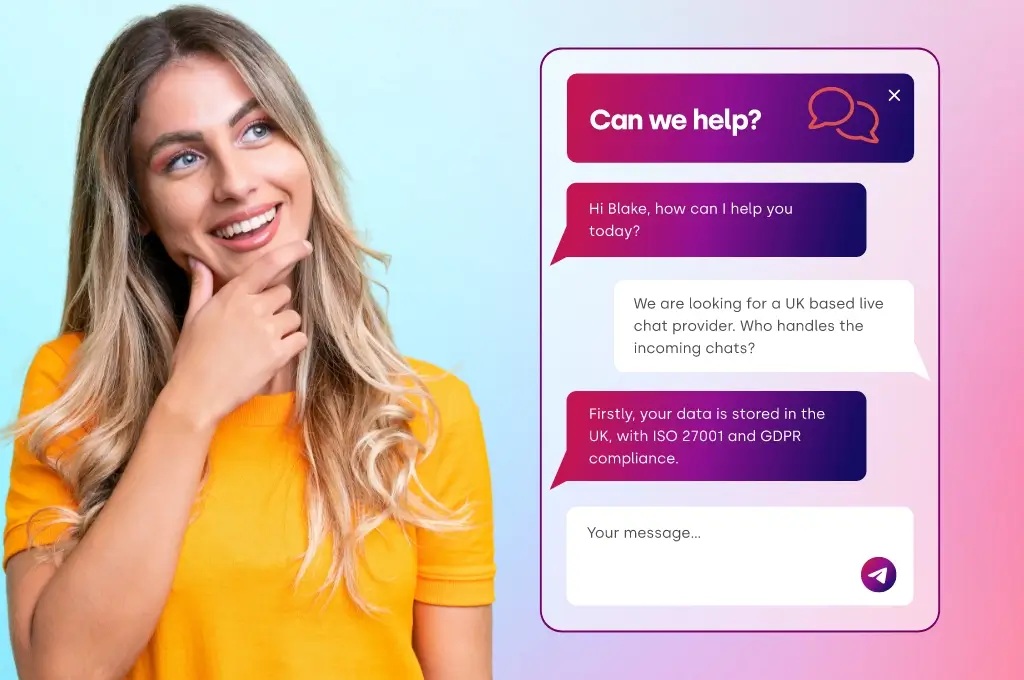
This guide explores real live chat examples, focusing on the different types of chat windows you can deploy to increase engagement, conversions and support efficiency.
Why Live Chat Windows Matter
Before we explore specific types of chat windows, let’s consider why they matter. A chat window is the interface your visitor uses to start, view or continue a conversation. It can be as simple as a “Hello, how can I help you?” pop‑up or as advanced as a multi‑media AI‑driven assistant. Effective chat interfaces boost engagement, reduce friction, increase conversions and enhance support experiences.
Click4Assistance emphasises that their web chat software supports “fully brandable and configurable chat windows” and is built on decades of agent feedback. So when we talk about “live chat examples”, we’re really talking about the different styles, functions and configurations of chat windows you can apply.
1. The Basic Live Chat Window (Agent Led)
The most straightforward example of a live chat window is what many websites use: a chat icon or button that opens a window where a human agent responds to visitors.
Key characteristics
- A visitor sees a chat button (often bottom‑right) and clicks to open the window.
- A human agent interacts in real‑time.
- The window is brandable and configurable; the provider states their web chat solution offers “complete customisation, branding, and configurability… giving your business full control over how chat buttons and windows are displayed”.
- Support and sales uses: both inbound enquiries (support/customer service) and proactive engagement (sales/conversion).
Example usage
- A retail site: visitor on product page clicks chat, a live agent answers, perhaps sends product images or links.
- A service business: visitor explores pricing, clicks chat window to ask specific questions; agent replies, maybe transfers or escalates.
Why it works
- Provides immediate human response — many visitors expect this now.
- Builds trust: seeing a live person (or evidence thereof) reduces friction.
- Offers rich features: per the customisation page, chat windows can show agent photo, file‑send, typing indicator, etc.
Considerations
- Requires live agents to be staffed, especially during high‑traffic times.
- Quality depends on agent response time and training.
- Without good routing or triggers, chat windows can be under‑used or intrusive.
2. Pre‑Chat & Offline Chat Window
Another key variation is the chat window’s state: before an agent is available (pre‑chat) or when agents are offline (offline chat form). These are still “live chat examples” but with slightly different interaction modes.
Pre‑Chat Window
- The chat window or widget appears, inviting a visitor to chat, but before actual conversation begins you can collect info (name, email, department) or let a visitor select which department to chat with.
- This gives the agent context and ensures the chat is routed properly.
- Helps measure value and gather lead data even before the chat begins.
Offline Chat Window
- When your agents are offline, you can dynamically switch the chat window to an offline mode: the widget may show a form instead of “chat now”.
- This ensures visitor engagement isn’t lost, but sets correct expectations (that response may be delayed).
Example usage
- A support site: during off‑hours, the chat window says “We’re offline but please leave a message” (offline form).
- A high‑traffic e‑commerce site: when live agent coverage is limited, a pre‑chat form collects name, email, product of interest, then an agent follows up.
Benefits
- Improves visitor experience by not offering “live chat” when no one is available.
- Captures leads even when you’re offline.
- Routes enquiries better via departmental selectors.
Points to watch
- The form must be simple – overly complex forms reduce engagement.
- Need good process to follow up offline submissions quickly.
- Pre‑chat questions should not be too intrusive — balancing data collection with user convenience.
3. Proactive Chat Window
A more advanced live chat example is the proactive chat window — where you don’t simply wait for the visitor to click, but the system invites them.
Features
- Based on visitor behaviour (time on page, scrolling behaviour, exit intent), a chat window pops up to invite engagement.
- The pop‑up window may show a message like “Hi, need help with that product?”.
- The design of the chat window can vary: subtle pop‑up, full‑page prompt, video invite, etc.
Example usage
- Visitor on pricing page for 45 seconds, then chat window appears: "Hi there, I can show you the best deal today if you’d like."
- Visitor on FAQ page scrolling up indicates confusion; a chat window appears: “Need help understanding this?”.
Considerations
- Too many or too aggressive pop‑ups can annoy visitors.
- Need smart triggers; wrong timing can degrade experience.
- The chat window design should match brand and context.
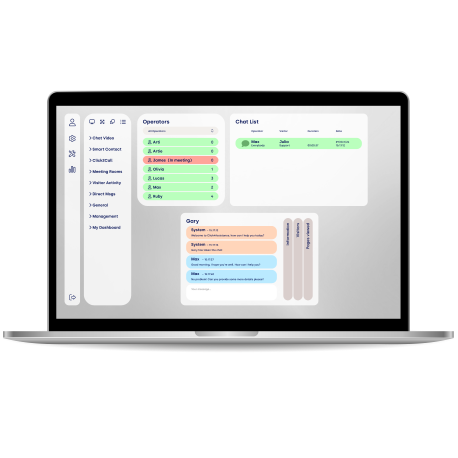
Agent Software That Makes Live Chat Easy
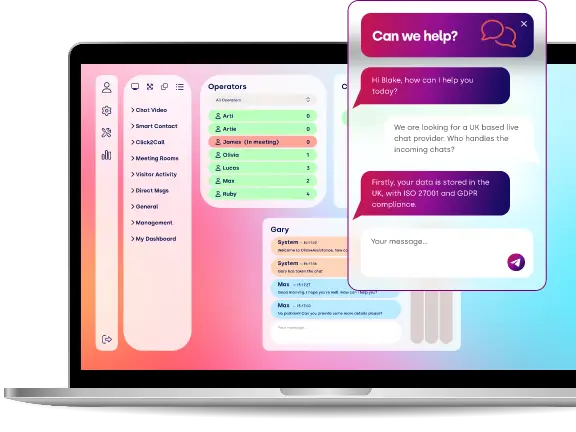
Our intuitive dashboard helps agents handle multiple chats, view visitor insights and boost productivity, all designed to make support faster, easier and more personal.
4. Customised/Brandable Chat Window
When we talk about live chat examples and types of chat windows, one major differentiator is how they look and feel. The customisation page shows just how many variations are possible.
Key customisation features
- Branding elements: colours, fonts, logos, chat button styles — your chat window becomes part of your website’s brand story.
- Placement and behaviour: widget could live on homepage, product page, blog sidebar, or even embedded in emails or PDF sales materials.
- Pre‑chat forms, department selectors, offline states – all configurable.
- Extra features inside the chat window: file transfer, screen share, video chat, embedded content, etc.
- Post‑chat “thank you” windows with offers, social media, newsletter signup.
Example usage
- A university website uses a chat window with student‑friendly branding, colour scheme aligning with the university, and a “Book a tour” call‑to‑action embedded inside the chat window.
- A retail brand uses seasonal themes: e.g., Halloween styled chat window pop‑up for October, consistent with customisation examples.
Why this matters
- Consistent brand experience builds trust.
- Customising the chat window to context (page, visitor type) improves relevance.
- Differentiates your chat experience from generic “chat bubble” look.
Decisions to make
- Which style suits your audience (serious/professional vs friendly/playful)?
- Placement – where should chat window appear, on all pages or only specific?
- Behaviour – should it auto‑pop, or wait for visitor action?
- Features – do you need file share, video chat, screen share inside the window?
5. Chatbot Window (Automated Triage)
Moving beyond pure human‑agent chat windows, one of the exciting live chat examples is the chatbot window. These are windows where a bot (rather than a human) interacts with the visitor automatically, either to assist, triage or even convert.
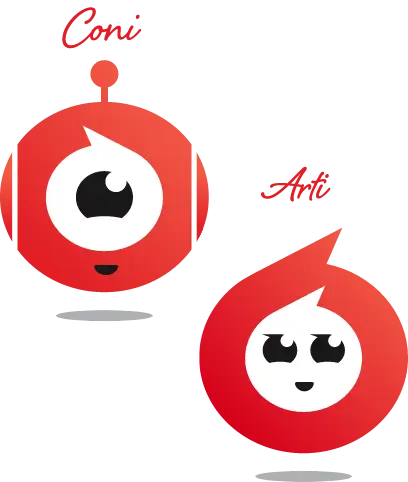
Using the Click4Assistance Chatbot (“Coni”), we see how chatbot windows can differ from standard live chat windows.
Key features
- Visitor interacts with a chatbot first – for FAQs, lead collection, pre‑screening.
- The chat window interface may show bot persona (avatar), and conversation flows can include links, images, videos.
- The bot can escalate (handoff) to a human when needed.
- Chat window design is still customisable (appearance, brand alignment).
- Lead generation: collects details (name, email) and sends to agents.
Why it is a strong live chat example
- Automation reduces agent workload and handles first‑level enquiries around the clock.
- Chat window that appears immediately (even if agents are not online) keeps visitors engaged.
- Provides consistent responses and can upsell/cross‑sell via chat window content.
Example usage
- On a SaaS website: the chatbot window pops open and asks “Hi, which product are you interested in? A, B or C?” Based on answer, shows pricing link, or transfers to a live agent.
- On an e‑commerce site: the chatbot window greets returning visitor, picks up previous browsing behaviour, shows “Welcome back! Would you like to continue where you left?” and offers chat.
Implementation notes
Need good design of conversation flows (to avoid bot frustration).
Ensure handover to human agent when bot cannot answer — visitor experience suffers if stuck in bot loop.
6. AI Agent Chat Window (Advanced Live Chat Example)
The next step in chat window evolution is the AI Agent Chat Window—bot plus AI intelligence. For example, the provider’s “AI Agent Chatbot” product (named “Arti”) is built on ChatGPT technology.
What distinguishes this chat window
- Conversational, human‑like responses driven by AI; not just rule‑based.
- Multilingual capabilities: can respond in various languages.
- Knowledge‑base integration: can digest site content, brochures, manuals, PDFs and answer accordingly.
- Real‑time integration with internal systems: stock lists, pricing, terms & conditions.
- Chat window still customisable (persona, look & feel) to match brand.
Example usage
- A global enterprise website: visitor interacts with AI chat window, types in German; the AI replies in German, suggests correct product, shows brochure link, and then offers to connect to human agent.
- Legal services website: AI chat window answers policy‑based questions, draws on uploaded PDF of terms & conditions, produces summary for visitor, and then routes to lawyer when needed.
Why this is an important live chat example
- Available 24/7, across languages and scales far beyond human‑only chat.
- Increases speed and consistency of responses, improving customer experience and trust.
- Chat window becomes a strategic function, not just “support” – it can upsell, cross‑sell, triage complex enquiries.
Considerations
- Implementation complexity: you need to train AI, upload docs and integrate systems.
- Need to monitor quality—AI may produce incorrect responses if not supervised.
- Chat window must still clearly indicate if the user is speaking to AI vs human to maintain trust.
7. Omni‑Channel & Embedded Chat Window Examples
Another angle on “live chat examples” is the chat window as part of a broader engagement ecosystem.
What this means for chat windows
- Chat window on the website could escalate into a video/chat room: you click the button, and the window opens a video call.
- The chat window may be embedded in other platforms: e.g., inside a PDF, inside an email link, or inside a social‑media campaign.
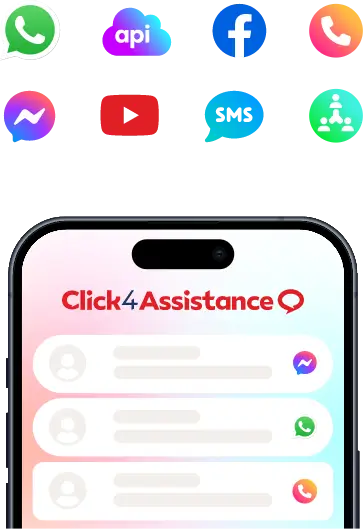
- Chat window may unify across channels: a visitor starts on WhatsApp, then moves to website chat window; all under one platform.
Example usage
- A support site: chat window offers “Click2Call” inside the same window—visitor chooses video chat rather than typing.
- A marketing campaign: email has “Chat with us” link; clicking opens chat window with an embedded special offer inside the chat.
Why it’s a compelling live chat example
- Aligns with the reality that visitors use multiple channels — chat window must adapt.
- Makes chat window less “just website sidebar” and more a cross‑touchpoint engagement tool.
- Gives richer context: video, voice, or co‑browsing can be part of the chat window experience.
Things to plan for
- Ensure chat window UI handles different modalities (text, video, voice) gracefully.
- Make sure integrations work smoothly (e.g., from WhatsApp to web chat window).
- Maintain analytics across the modalities to know which chat window version works best.
Final Thoughts
To summarise: There’s no one‑size‑fits‑all “chat window” anymore. The best live chat examples for your business will depend on your audience, your support/sales model, and your brand experience. Whether you use a simple human‑agent chat window, a proactive invitation style, a bot window, or an AI‑agent window, the key is in the execution: brand, design, behaviour, and integration.
Remember these take‑aways:
- Ensure the chat window matches your brand and audience.
- Design behaviour (when it appears, where it sits, what it says) thoughtfully.
- Use pre‑chat/offline forms to capture leads and set correct expectations.
- For higher scale or automation, consider chatbot or AI agent windows.
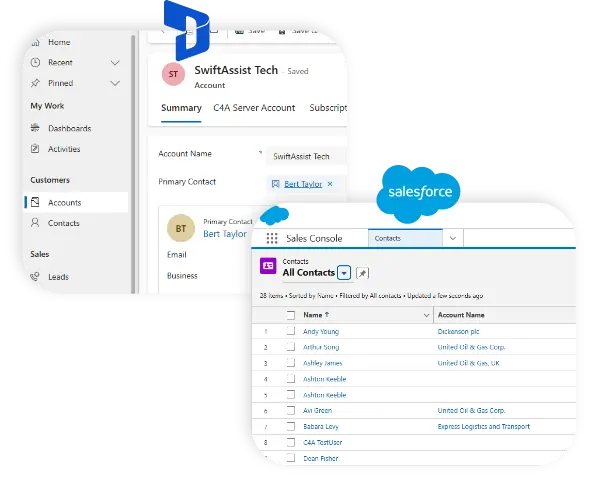
- Integrate chat windows with your internal systems and analytics.
- Monitor, iterate and optimise—what works today may need tweaking tomorrow.
If you’d like help selecting or designing the right chat window for your site, or to view real live chat examples in action, consider booking a demo today with our friendly team.
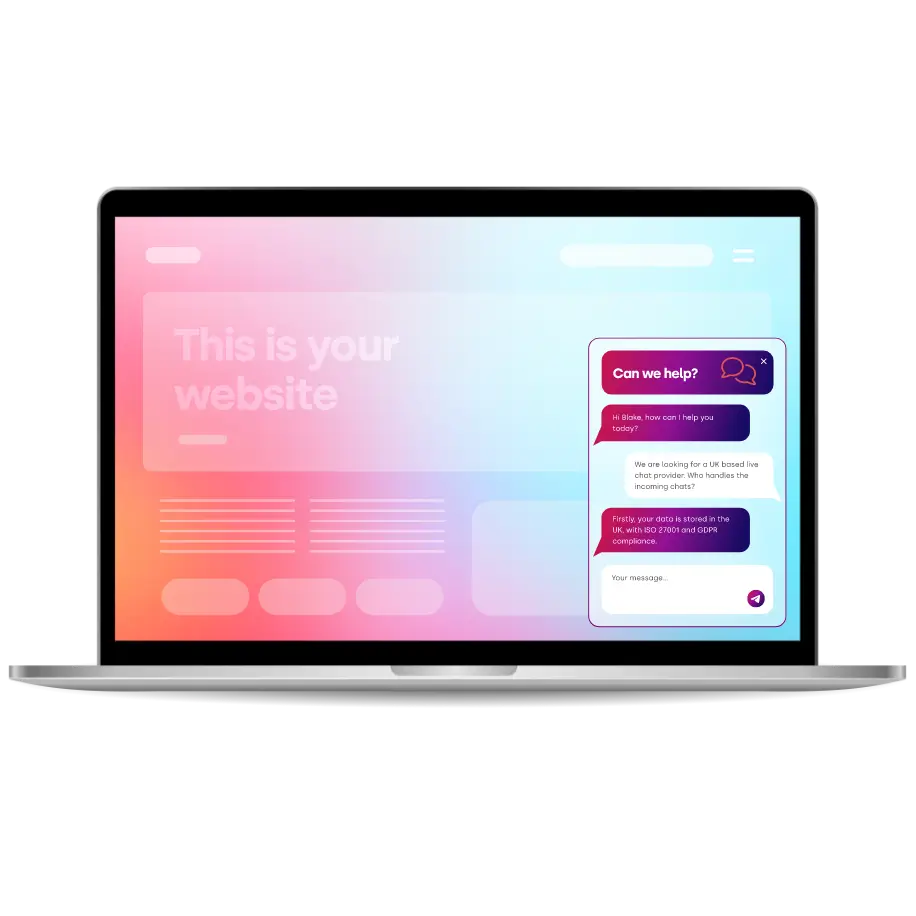
Thousands Trust Us. Will You?
From live chat to AI-powered chatbots and social integrations, Click4Assistance powers real-time engagement - fully UK hosted and trusted across industries.